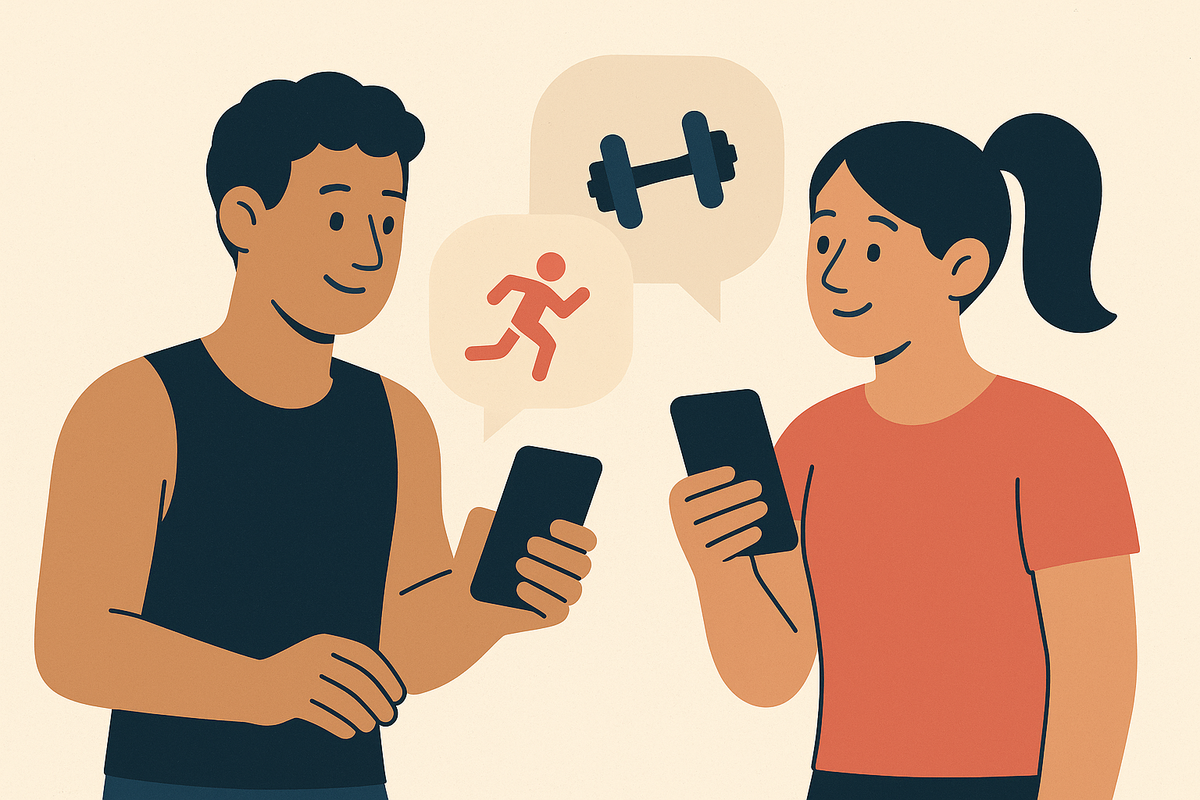
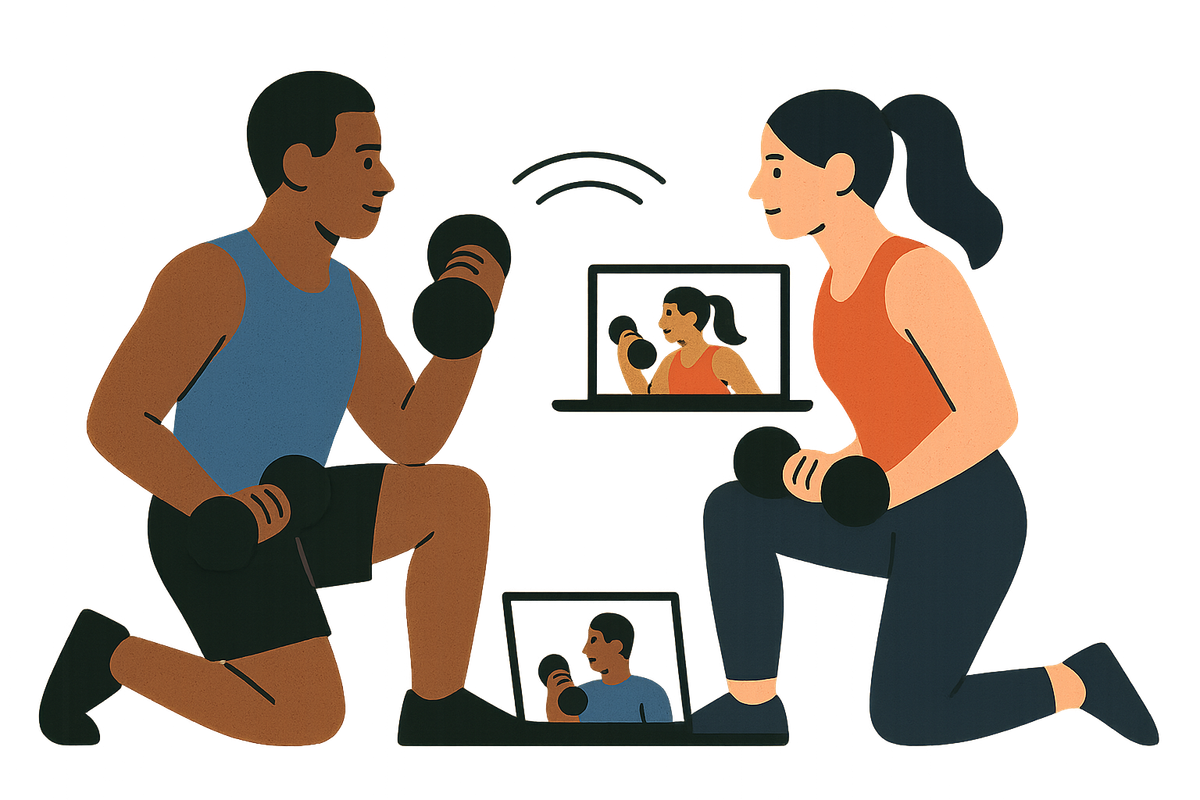
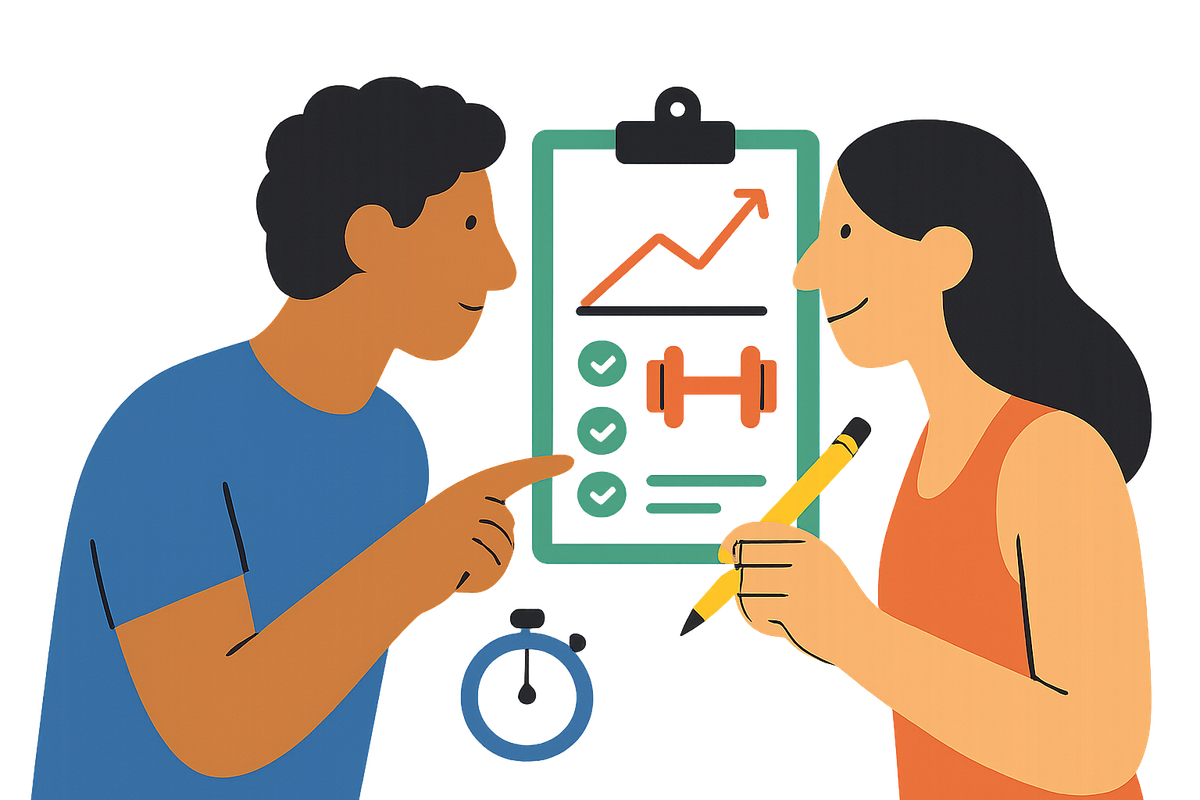
Apps Where Two People Can See Each Other's Food Logs and Step Counts in Real Time
Shared tracking apps solve different problems—choose one based on what friction actually stops you.
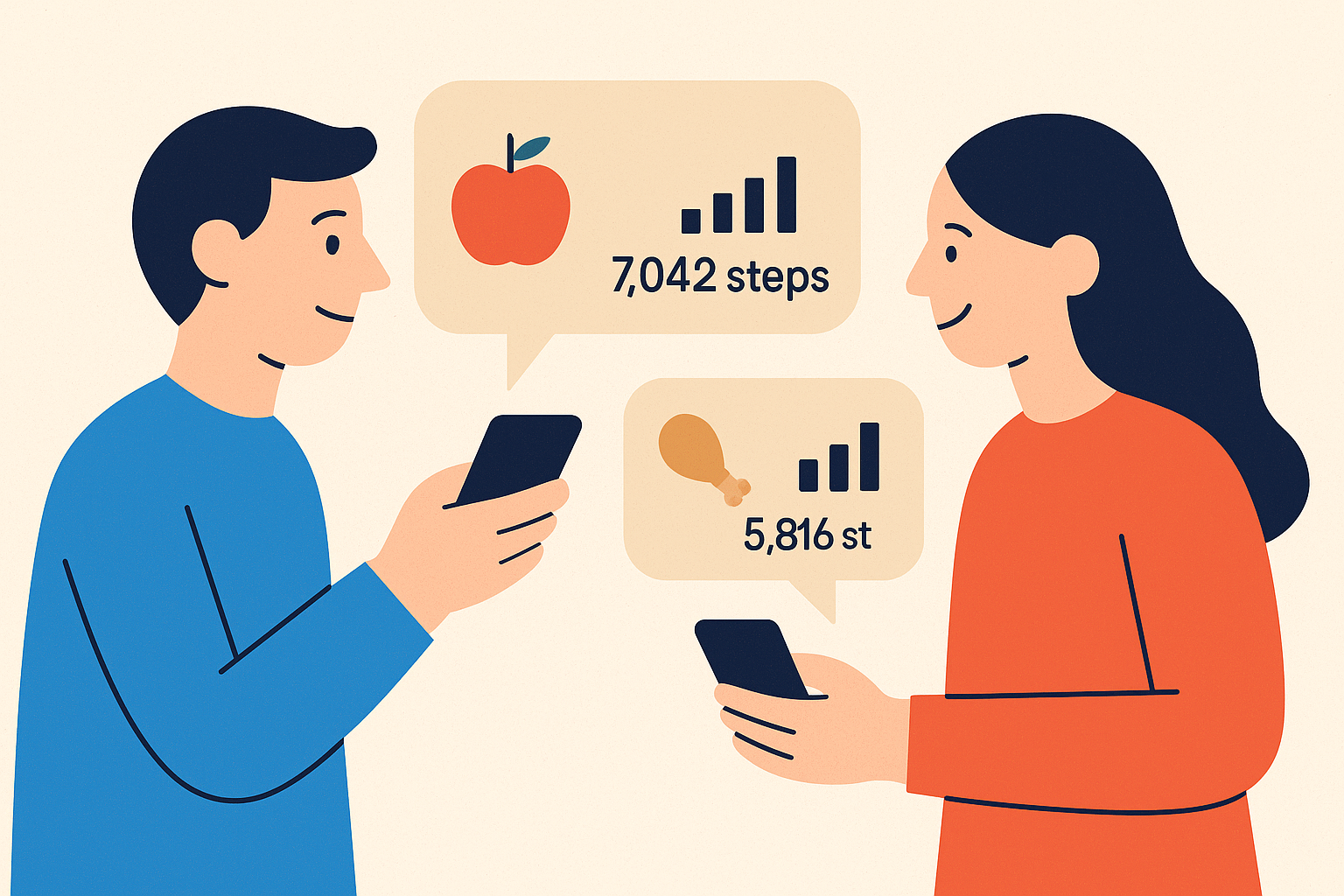
Two people tracking food and fitness together face problems no solo user ever sees. The best apps for paired tracking solve one or two of these problems well, not all of them. That's why the right choice depends on which friction points actually make you stop tracking.
A couple who eats dinner together but logs separate portions needs one recipe split two ways. She takes 30% of the pot, he takes 40%, and neither wants to re-enter the full ingredient list. Most food apps treat a recipe as a single entry owned by one person. The math falls to whoever does the cooking.
Different calorie targets make this worse. One partner in a deficit, the other maintaining or building muscle means a single household goal number is meaningless. The app must hold two independent targets at once. Any tool that assumes one shared number collapses under its own logic.
Step data adds another layer. One person on iPhone with Apple Health, the other on Android with Google Health or Samsung Health. A step-sharing feature that only reads one platform leaves one partner invisible. The shared view shows half the picture and nobody notices until the argument starts.
These are not niche edge cases. They are the default reality for any two people who actually live together. Solving even one well matters, which is why the apps in this piece diverge so sharply from each other.
The two design philosophies that divide every app in this space
Every app that lets two people track together has picked one of two philosophies before building a single feature. That choice decides what the app can and cannot solve. Philosophy one treats data as the shared language. Both partners see each other's food diary, macro breakdown, and step count in real time. The assumption is that seeing the numbers creates accountability and helps partners coordinate what to cook or whether to walk more. This works best when both people are comfortable with nutrition data and have similar tracking experience.
The risk is built in. The more data-literate partner effectively sets the terms. A beginner who sees a full macro dashboard next to a veteran partner can feel surveilled rather than supported. The tool that was supposed to help becomes the thing they avoid opening.
Philosophy two cares only about showing up. A photo documents that you worked out without requiring any data entry at all. This flattens the beginner-versus-veteran divide because a photo needs only a working camera, not nutritional literacy. Workout photo check-ins and weekly progress recaps create mutual visibility around consistency without requiring either partner to see calorie targets or device sync details. This approach works especially well for pairs where one person is more nutrition-literate than the other, or where the goal is showing up together rather than managing shared macros.
The trade-off cuts the other way here. Photos prove you were present, not what you did there. Without numerical feedback, neither partner can tell if effort is actually increasing. That's the gap the data-rich approach handles well and the photo model gives up on purpose.
The rest of this piece works through each major capability. Food logging, step sharing, photo accountability. Each section names the strongest option for its slice of the problem.
What real-time mutual food logging actually requires, and which apps get closest
Mutual food visibility only matters if both partners trust the numbers they see. Most apps in this category have at least one gap that breaks that trust for pairs. Nutrola, starting at €2.50 per month per person, handles the shared-meal problem at the point of cooking. Recipe import from a URL generates a full nutritional breakdown. Each partner then logs their own portion percentage. He logs 40% of the pot, she logs 30%. One shared meal becomes two accurate individual entries with no re-entry.
The verified database of 1.8 million entries does the quiet work here. Both partners look up the same food and see the same calorie figure. That kills the "my entry says 165, yours says 230" argument that erodes trust in shared tracking. Cross-platform support covers iPhone and Android plus Apple Watch and Wear OS, so mixed-device couples are fully in.
But Nutrola has no couples account or in-app progress sharing as of the source date. Each person needs a subscription. The logging is accurate. The sharing is manual.
MyFitnessPal takes the opposite route. The friend system lets partners connect accounts and see each other's diary entries when set to shared. That's the most direct bilateral food-log visibility of any app here. The free tier with ads covers the basics, while Premium runs about $19.99 per month per person.
The problems sit in the details. Shared recipes require manual ingredient entry, and the partner must search for or re-enter the recipe. The database is crowdsourced and unverified, so partners may log the same food from different entries with different calorie counts. Two Premium subscriptions is among the more expensive combinations in this roundup.
Calorie Tracker Buddy, free to start on Android, aims at beginners. Photo-based logging feeds an in-app community where meals appear with calories and context. The social feed gives a reason to return daily.
But it's Android-only. A mixed iPhone-and-Android couple cannot both use it. And the feed is oriented toward social encouragement, not bilateral data transparency between exactly two people. It builds a logging habit more than it builds mutual macro visibility.
The step-sharing layer: what each platform actually syncs and who can see it
Step sharing depends entirely on where each person's steps live. That landscape shifted in 2026, and plenty of guides are now pointing at apps that no longer exist in the form described. Between May 19 and May 26, 2026, Google replaced the Fitbit app with Google Health and announced it would wind down Google Fit later that year. Any guide still recommending Google Fit as a download reflects a pre-May 2026 world. iPhone users get Apple Health built in. It counts steps through the phone's motion chip at no cost. Apple Fitness adds move rings with an Apple Watch. Android users now land in Google Health by default, whether they came from Fitbit hardware or Google Fit. Samsung Health serves Galaxy device owners.
For a couple where one uses iPhone and one uses Android, step data lives in two ecosystems. An app that reads only one leaves one partner's steps invisible to the shared view. That's the practical problem, and it's why pairs often combine tools here.
Pacer offers the most generous free dedicated step counter with group challenges. The free tier covers steps, distance, and calories. Premium runs about $9.99 per month. The social layer allows friend groups and challenges, which works for pairs. But it knows movement and nothing about meals.
Google Health, free, is now the single destination for former Fitbit and Google Fit users. Plain step tracking works fine. Some community features from the Fitbit era did not survive the migration.
Steps Club, founded 2025 and shipped on Google Play in July 2026, built itself for small private groups and pairs rather than large leaderboards. It has a live step view with a homescreen widget, an activity feed with reactions, Live Walking Sessions for real-time shared walks, and personal step goals per member. That last part matters: two people with different fitness levels each get a meaningful target. It's on both iOS and Google Play, which directly addresses the mixed-device problem.
Swoodie reads steps from Apple Health on iPhone or Health Connect on Android. It adjusts the daily calorie goal automatically based on movement. Walk more, your calorie target rises. Sedentary day, it tightens. Food logging by photo, voice, text, and barcode sits alongside the step sync, closing the loop between movement and eating in one app. A Swipe Together feature lets partners choose dinner together. It's a connected planning tool more than a mutual step-sharing app.
No single app in this section solves bilateral food logging, real-time step sharing, and cross-platform compatibility all at once. That gap is real. Pairs who want all three end up combining tools.
Why photo check-ins change the accountability dynamic for pairs who track separately
For pairs who exercise at different times or in different places, a photo check-in answers the one question that matters most: did you go? Neither person needs to be there, and nobody has to interpret anyone's data. Photo accountability removes the data-literacy gap entirely. One partner doesn't need to understand the other's macro split or step target to know whether they worked out. A photo is legible to anyone. The proof travels asynchronously, so a 6am gym session and a lunchtime run both register without coordination.
Social judgment from someone you trust operates differently from algorithmic feedback. Research on interpersonal determinants of physical activity finds that social support, modelling, and peer encouragement strongly affect whether habitual activity forms. A partner's reaction to a photo carries weight that a dashboard number doesn't.
The limits are real too. For experienced exercisers tracking progressive overload, that gap matters. Without numerical feedback, neither partner can detect whether effort is increasing. Also worth naming: external accountability can weaken intrinsic motivation once the social arrangement ends. That's a genuine concern, though not a fatal one for most pairs.
The habit timeline raises the bar. Research synthesized across multiple studies puts the median habit formation window at 59 to 66 days. A photo check-in system must sustain engagement for two months before the behavior has a realistic shot at becoming automatic. The system needs a reason to keep opening past week four.
How SweatCam handles photo accountability specifically, and where it fits in a paired setup
SweatCam makes the photo check-in the entire logging act. That produces a different experience from food apps that allow optional photo attachment. To log a workout, you take a photo during the session. It's immediately visible to your partner. No data entry, no manual log, no post-workout form. The partner's latest photo appears on the other person's home screen through a dynamic widget. Accountability becomes ambient. Neither person has to open an app and check. The app holds a 4.9 rating from over 14,000 App Store reviews. That volume at that rating suggests the stripped-down format resonates with a real user base, not just early adopters.
What keeps people opening it past week four is the consequence structure. Missing a weekly goal triggers a lightweight wager: buying dinner, doing a chore. Enough to motivate, not enough to punish. A "Pinky Promise" feature handles edge cases. The system stays human rather than algorithmic.
Apps built on the presence-proof model, like Sweatmates, use photo check-ins a slightly different way. Sweatmates pairs a weekly workout goal with a wager the two people set together. If you miss, you owe dinner or coffee. The point is the same: showing up matters more than the numbers behind it.
SweatCam's constraints are honest ones. It's available on both iPhone and Android, so mixed couples can use it. But it's built for exactly two people, not a group, a family, or a team. Workout logging requires a subscription despite the free download. And it doesn't track workout type, duration, or calorie burn. One user review put it plainly: it "literally just logs pictures." Partners who want progressive overload data or calorie figures need a second app.
That's exactly where it fits in a combined setup. SweatCam handles accountability and presence-proof. Step counts and food logs come from whatever dedicated tools each partner already uses. The apps are complementary, not competing.
How to match the right combination of tools to how two people actually live
The right combination depends less on which apps have the most features and more on which friction points actually cause you to stop tracking. If shared meals with different targets are the core problem, a food logger with URL recipe import and verified individual-portion logging solves the "same dinner, different amounts" problem at the point of cooking. Nutrola does this. Bilateral diary visibility on top of that, as in MyFitnessPal's friend system, adds mutual transparency if both partners are comfortable with it. Less useful if one partner reads that as surveillance rather than support. If step sharing across two device platforms is the issue, Steps Club's cross-platform availability and personal-goal-per-member design handle the mixed-device, different-fitness-level scenario directly. For the partner who wants to know whether their steps have earned a larger dinner, a step-to-calorie-target adjustment feature closes that loop without a separate calorie-counting session.
If one or both partners keep skipping workouts and data dashboards haven't changed that, photo check-in accountability operates on a different lever. SweatCam's social presence plus lightweight wagers gives staying power past the first few weeks. Combine it with a step app and a food logger and you get a three-layer setup: did you go, did you move, did you eat within target. Each layer answered by the tool built for it.
If one partner is a beginner and the other experienced, metric-heavy apps risk creating an early adopter advantage where the more data-literate partner sets the terms. Photo accountability levels that by requiring only a camera. A social-feed food logger like Calorie Tracker Buddy lowers the barrier for the beginner without forcing the experienced partner to abandon their own setup.
As of the sources in this piece, no single shipped product integrates real-time bilateral food logging, real-time cross-platform step sharing, and photo workout check-ins in one place. The best combination is the one both people will actually keep using. Not the one with the most features, and not the one with the most data.